Schedule the work first

Rent for the work you do

Code on Windows, then need a Mac only for delivery? Have several clients due in the same week, with certificates that must stay separate? Plan the tasks, Mac model, and rental term around your delivery workflow.

Mac mini M4: $20.2/day. Rent by the day and get started the day you pay. Check the console for live availability.

Start with the work at hand

Where you code doesn’t decide where you build

Start with what you need to deliver, then choose a Mac. These are practical workflow examples, not customer testimonials or performance benchmarks for specific projects.

Independent developers

Develop on Windows, set up the iOS build environment when it’s time to deliver

Keep developing locally as usual. When you need an iOS build, rent a Mac mini M4 by the day and sync your code and dependency lockfile. Set up Xcode, Flutter, and the tools your project needs on macOS.

  • Resolve dependencies, signing, and target device settings, then run flutter build ipa.
  • Check the version and build numbers, export the IPA, and upload it to TestFlight if your project permissions allow.
  • After delivery, bring the build artifacts and logs back to your local environment. Don’t leave the only copy on the rented machine.

Best for: Occasional builds and short-term integration testing.
Not for: Projects that must stay fully offline or cannot sync source code to an external machine.
CI teams

Add a build node for delivery week and keep client jobs separate

Connect a cloud Mac to your existing CI and configure the required Runner, repository credentials, and build scripts. Rent weekly for a busy build week, then let the rental end when work is complete.

  • Give each client a separate working directory, keychain, and artifact archive.
  • Run jobs in a queue on one machine. Whether to run them concurrently depends on memory use and actual build results.
  • Before you finish, unregister the Runner, revoke repository tokens, and export logs and reusable configuration notes.

Best for: Building multiple repositories during the same delivery week.
Not for: Internal CI pipelines without confirmed permission to connect an external Runner.

AI experiments

Validate a model for a client—start with the memory budget

Use a Mac mini M4 Pro with 64GB memory and a 2TB SSD for a round of model inference testing. At $296.3/month, it suits validation work that involves ongoing changes to the model, inputs, and app integration.

  • Confirm your inference framework supports Apple Silicon, and check model format and dependency versions.
  • Budget for model weights, context cache, and app processes. Don’t assume all 64GB is available for the model.
  • Record the model version, parameters, and outputs. Export results when testing is done; the rental ends unless renewed.

Best for: Short-term proofs of concept and on-device inference experiments.
Not for: Work that requires CUDA or large-scale training that hasn’t been assessed.

Audio and video workflows

Test app codecs and allow room for media and exports

Test your client’s app for audio and video encoding, media processing, and export on macOS. For larger media libraries, add a 2TB SSD: $4.2/day, $11.6/week, $21.4/month, or $58.2/quarter.

  • Use the same sample inputs to compare encoding settings, output formats, and playback in the app.
  • Include source media, intermediate files, and final exports in your storage budget—not just the original media.
  • Allow for upload and download time when scheduling large files. Test the workflow with a representative sample first.

Best for: Compatibility testing and periodic media exports for client apps.
Not for: Local real-time capture workflows that can’t tolerate network delays.

Set clear boundaries between clients

Three clients due in one week? Keep their machines separate

Sharing a machine can reduce rental costs, but your team must manage job queues and access isolation. When delivery schedules overlap or certificates are sensitive, renting a dedicated physical machine for each client makes boundaries easier to maintain.

Client A

A bug-fix release for a native app

Use one machine per client. The studio lead tracks machine IDs, while the iOS developer manages that client’s certificates, provisioning profiles, and dedicated keychain.

Archive: source revision, Archive, exported build, and signing configuration notes.

Client B

A Flutter build for acceptance testing

Configure a separate repository token and environment file. Don’t copy Client A’s signing files or use the same CI working directory for both clients.

Archive: dependency lockfile, build command, IPA, and acceptance build number.

Client C

Continuous integration during delivery week

Connect only repositories authorized by that client and give the Runner separate credentials. When the project ends, disconnect the Runner and revoke access tokens as requested.

Archive: build logs, artifact location, environment versions, and access revocation records.

A dedicated machine doesn’t replace access controls. Each Mac mini is a physical machine—not a virtual machine—and is assigned to one client. Your team still needs to control credential sharing and backups. For small projects with occasional builds and no overlapping deadlines, you can rent one machine by the day and rotate clients. Before switching clients, export files and revoke access, then request a system reinstall through a console ticket.

What to do after app review

If a fix takes a day, don’t commit to a week

Review feedback may require a single fix or several days of resubmissions. First assess whether you can finish in a day, then decide whether to add daily rental time or cover a full fix-and-resubmit cycle. Allow time for environment setup, dependency downloads, and artifact transfer—not just compilation.

Compare daily and weekly rates for the same model and continuous use
ModelDaily rateCost for 3 consecutive daysWeekly rateHow to choose
Mac mini M4
16GB / 256GB
$20.2/day$20.2 × 3 = $60.6$54.6/weekChoose daily if you’ll use it for only a day or two. For 3 consecutive days, the weekly plan costs less.
Mac mini M4 Pro
64GB / 2TB
$59.3/day$59.3 × 3 = $177.9$160/weekFor larger projects, consider weekly billing once you expect 3 consecutive days of use instead of renewing day by day.

The table multiplies the daily rate by 3 for comparison; it doesn’t represent a separate billing tier. To change your term, check renewal options and prices in the console. Don’t assume a paid order will switch terms automatically.

  1. 01

    Restore the same environment

    Use the archived source commit, dependency lockfile, and tool versions to avoid unnecessary changes beyond the fix.

  2. 02

    Keep reproducible records for each build

    Check the build number, signing settings, and export options. Link the review feedback to the code commit before resubmitting.

  3. 03

    Take your deliverables with you

    Export the IPA, Archive, logs, and any essential certificate backups. The rental stops at the end of the term unless renewed, with no cancellation fee.

A build week for game development teams

Leave room for the project, reduce delivery delays

After Unity exports an Xcode project, you still need to handle native plugins, signing, and archiving. For large asset libraries, multiple targets, or concurrent build processes, consider a Mac mini M4 Pro with 64GB memory and a 2TB SSD.

The extra capacity gives your editor, exported project, dependencies, and intermediate files more room—it’s not a guarantee that every project will run faster. For a small game, a one-off test, or a project with few assets, the Mac mini M4 with 16GB / 256GB may be a good place to start.

Include the full build workflow in your rental term

Project setup
Check Unity, Xcode, and native plugin versions. Run a complete export first to confirm dependencies install correctly.
Storage budget
Allow space for the source project, caches, Xcode export directory, and archived builds. Don’t estimate storage based only on the compressed repository.
Choosing a term
M4 Pro costs $59.3/day or $160/week. If you expect at least 3 consecutive days of build changes and regression testing, the weekly plan is a better fit.
Parallel builds
Thunderbolt 5 interconnect is an add-on at $1.2/day per machine. First check which collaboration workflows your software supports; an interconnect doesn’t automatically speed up a single build.

Test one representative project before adding machines. Without a real project test, don’t base your decision on concurrency counts or build minutes.

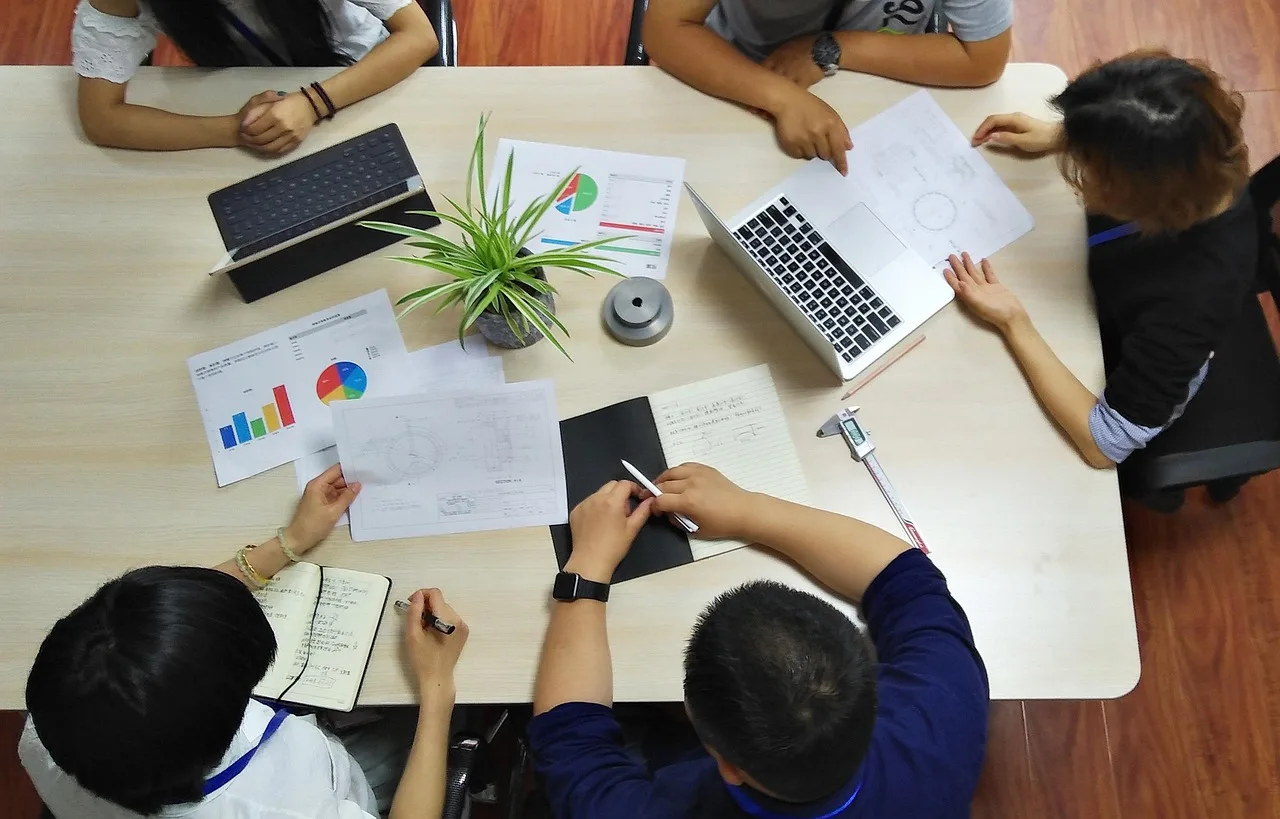
Desk setup with a computer and shared workspace, illustrating project scheduling before delivery
Illustrative workspace; not a VMSSD customer or an actual deployment site.
Make time for delivery

Set the schedule, then choose the rental term

Break the project into development, testing feedback, client acceptance, and final delivery. Bring in a Mac only when you need macOS—you don’t have to rent one from project kickoff to contract end.

If you’re waiting for the client’s signing materials, prepare the source code and dependency list first; start the rental when integration testing begins. If acceptance runs past your planned end date, check the expiry time in the console and renew before the machine stops.

Some projects are better kept local

Check the constraints before adding machines

Short-term rental meets a temporary need for a Mac. It doesn’t change client intranet policies, data residency requirements, or software licensing terms. Confirm these two constraints before paying.

The project must stay on your private network

Use your own equipment if source code can’t leave your intranet, dedicated devices must connect locally, or security policies prohibit external build nodes. Teams with a data center and constant build workloads should also compare buying and operating their own machines with rental costs.

Before you rent, confirm: Are repository access, dependency downloads, artifact transfers, and remote access all permitted?

Your contract requires a different region

VMSSD offers four locations: Singapore, Tokyo, Seoul, and Hong Kong. If your client contract requires data or builds to stay outside these locations, this service isn’t suitable for that project. A nearby network location doesn’t replace compliance with your contract.

Before you rent, confirm: Check the location against your contract. Your team’s network also affects connection quality.

Include payment in your project planning. Payment is limited to USDT-TRC20 and Visa, Mastercard, or Amex via Stripe. All charges are in USD; check the backend response for available payment gateways. If you’re unsure which model or project permissions you need, gather your timeline, framework, and number of concurrent clients before contacting support.

How many machines do you need, and for how long?

Choose a model, location, and term for your workflow. Get started the day you pay. Extend if the project runs long; when delivery is done, let the rental end.